
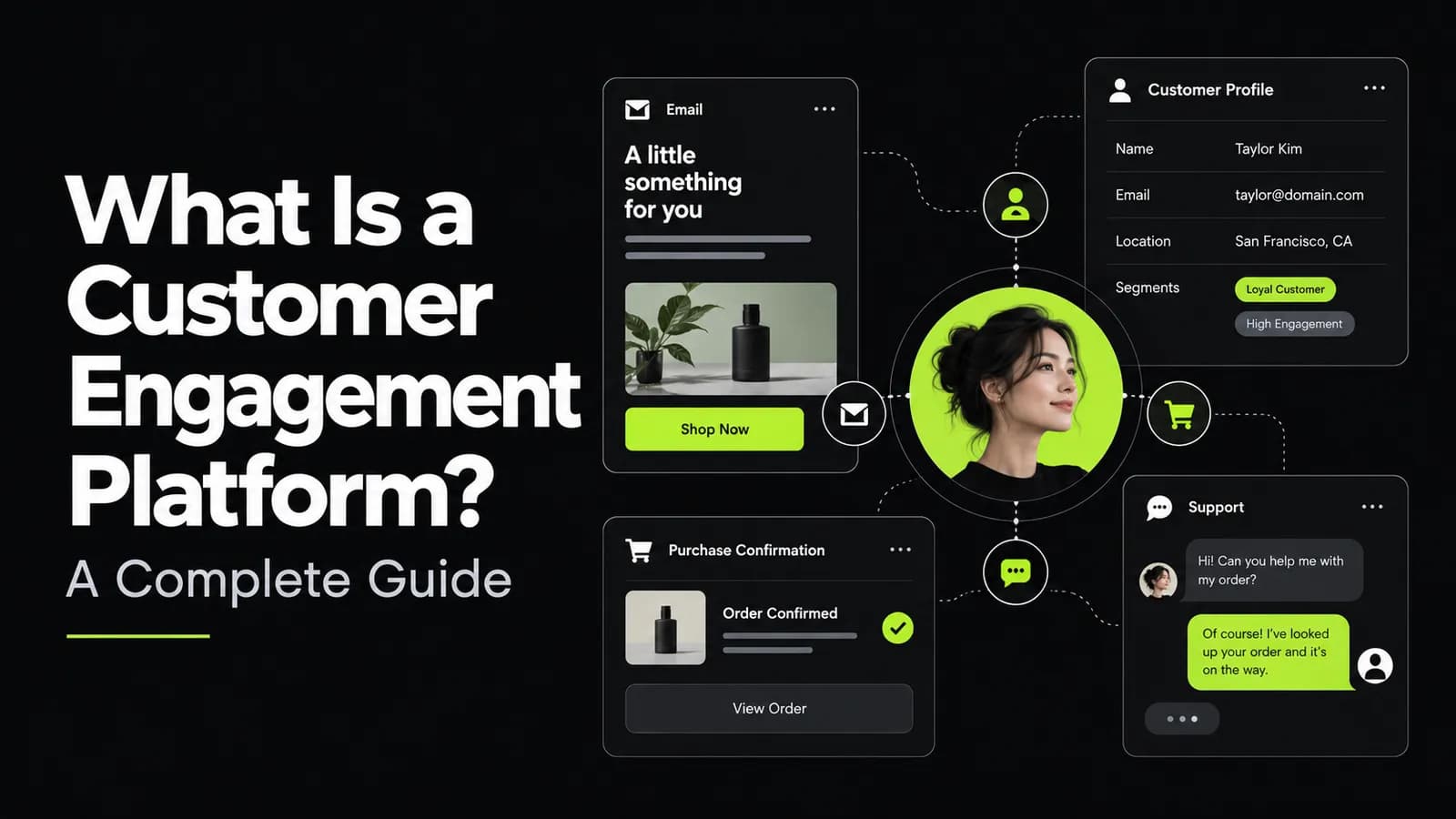
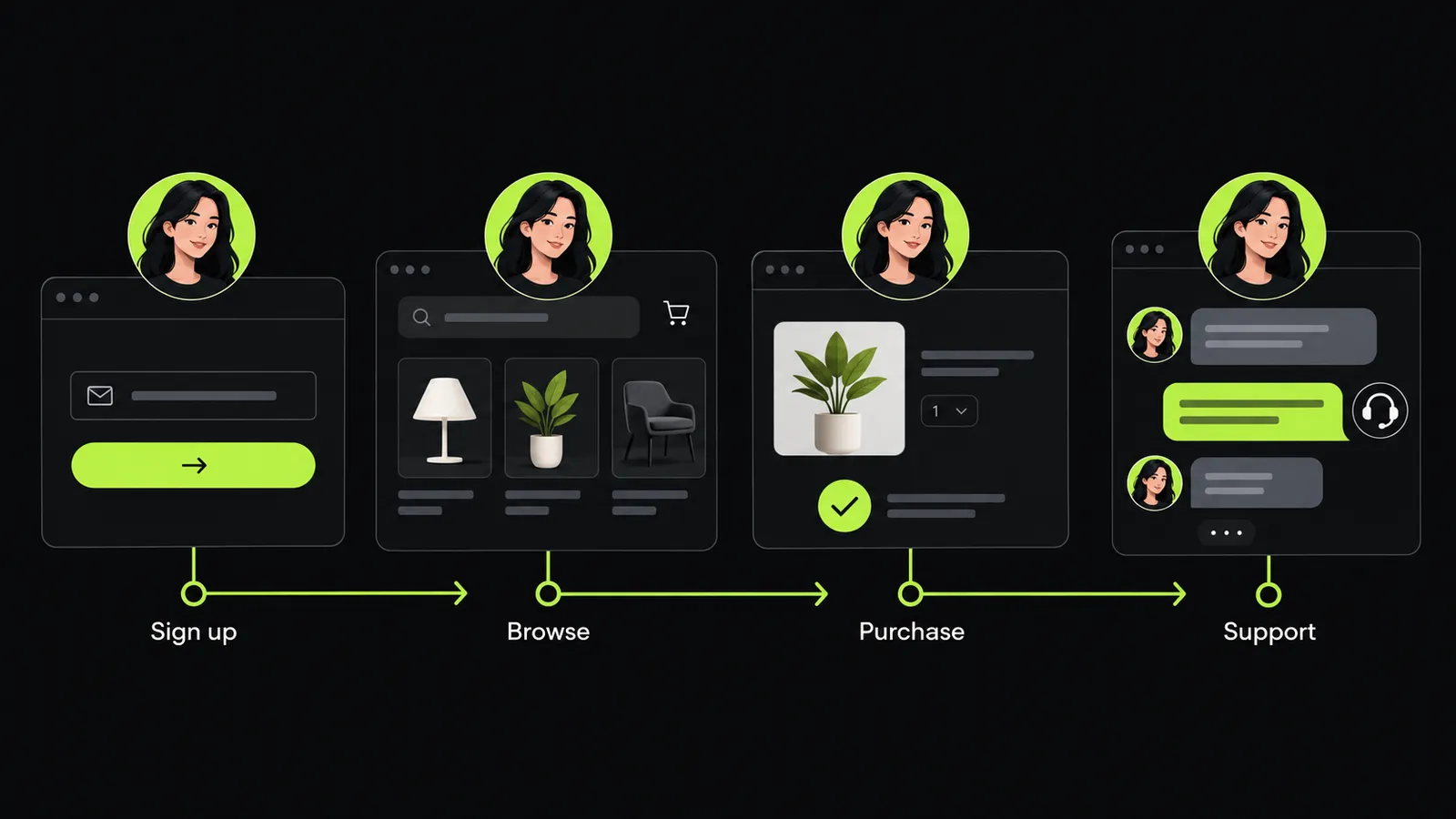
A customer signs up for your newsletter, browses a few products and leaves without buying. The next day, they return through an email and place an order. Later, they contact your support team about delivery.
These actions belong to the same customer journey. Yet different tools may record each interaction separately. Your email team sees a subscriber. Your store records a buyer. Your support team sees a delivery question.
A customer engagement platform helps connect those interactions. It gives businesses a way to use customer data when planning messages, follow ups and personalized experiences.
This guide explains what a customer engagement platform does, how it works and which features matter. It also covers customer engagement automation, practical use cases and the role of AI email automation.
What Is a Customer Engagement Platform?
A customer engagement platform (CEP) is software that helps businesses use customer data to manage relevant interactions across communication channels. These channels may include email, websites, mobile apps, SMS and push notifications.
The platform connects information about customer behavior with messaging workflows. This allows a business to respond to actions such as a signup, purchase or period of inactivity. Channel coverage and data capabilities vary between platforms.
For example, a new subscriber might receive a welcome email. A customer who completes a purchase should leave the cart reminder workflow. Someone who has stopped using an app might receive a message about a feature they previously used.
The aim is to make communication fit the customer's current situation.
What Does Customer Engagement Mean?
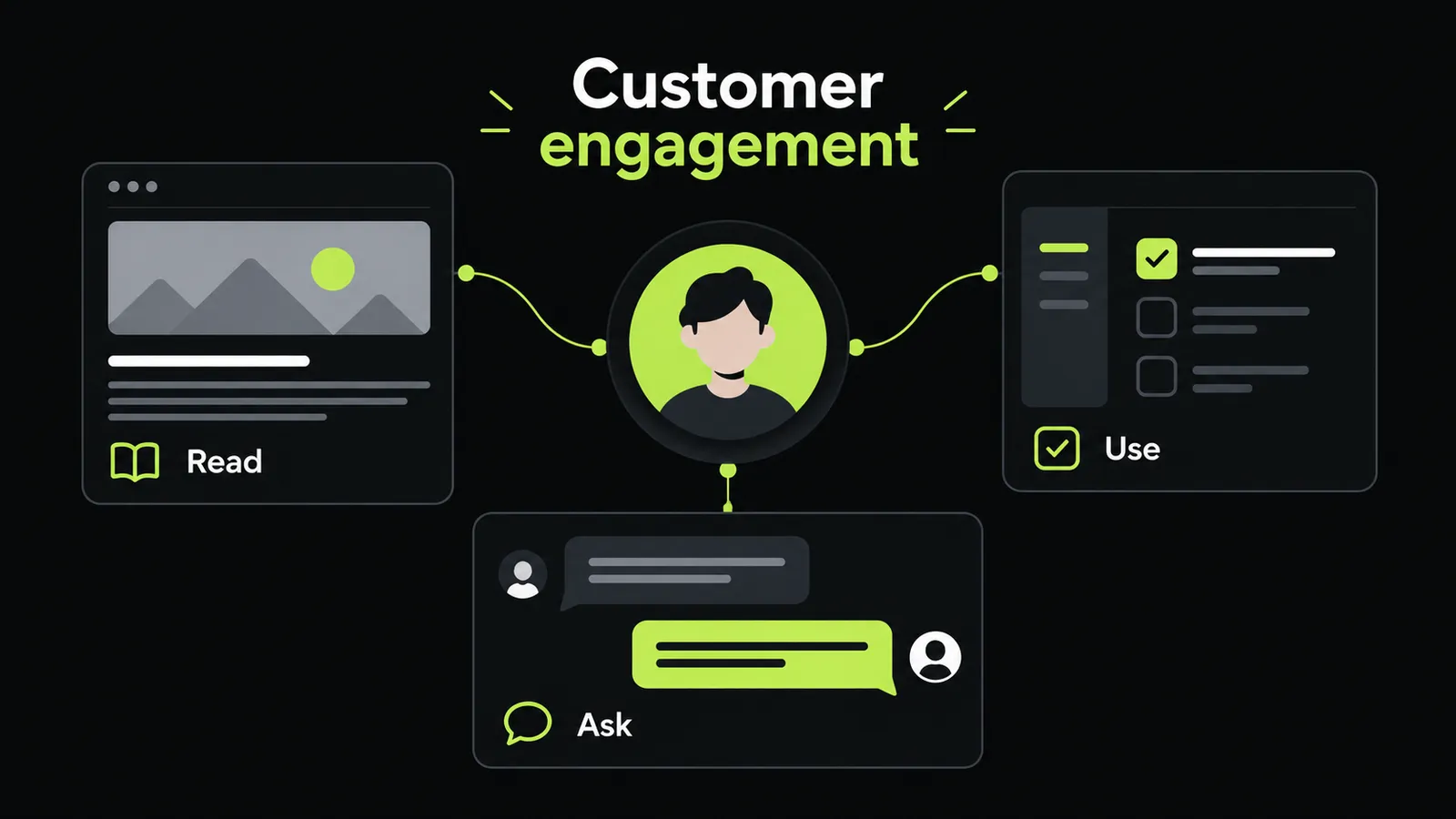
Customer engagement describes the interactions people have with a business over time. It can include reading useful content, responding to a message, using a product or asking for help.
A practical engagement strategy gives each interaction a purpose. A welcome email explains what happens next. An onboarding message helps someone complete a task. A renewal reminder gives a subscriber time to make a decision.
Is Customer Engagement Software the Same as a CEP?
Businesses often use “customer engagement software” and “customer engagement platform” interchangeably. However, a specific product may focus on only one part of engagement.
An email tool, live chat system and broader customer engagement solution may serve different needs. Check what a product actually connects, automates and measures before relying on its category name.
How Does a Customer Engagement Platform Work?
A CEP generally connects customer information, audience selection and communication workflows. Some platforms collect data directly through software development kits (SDKs) and application programming interfaces (APIs). They can then use that information to personalize and deliver messages.
Consider a hypothetical online store selling coffee equipment. Here is how its engagement workflow could operate.
1. Collect Relevant Customer Information
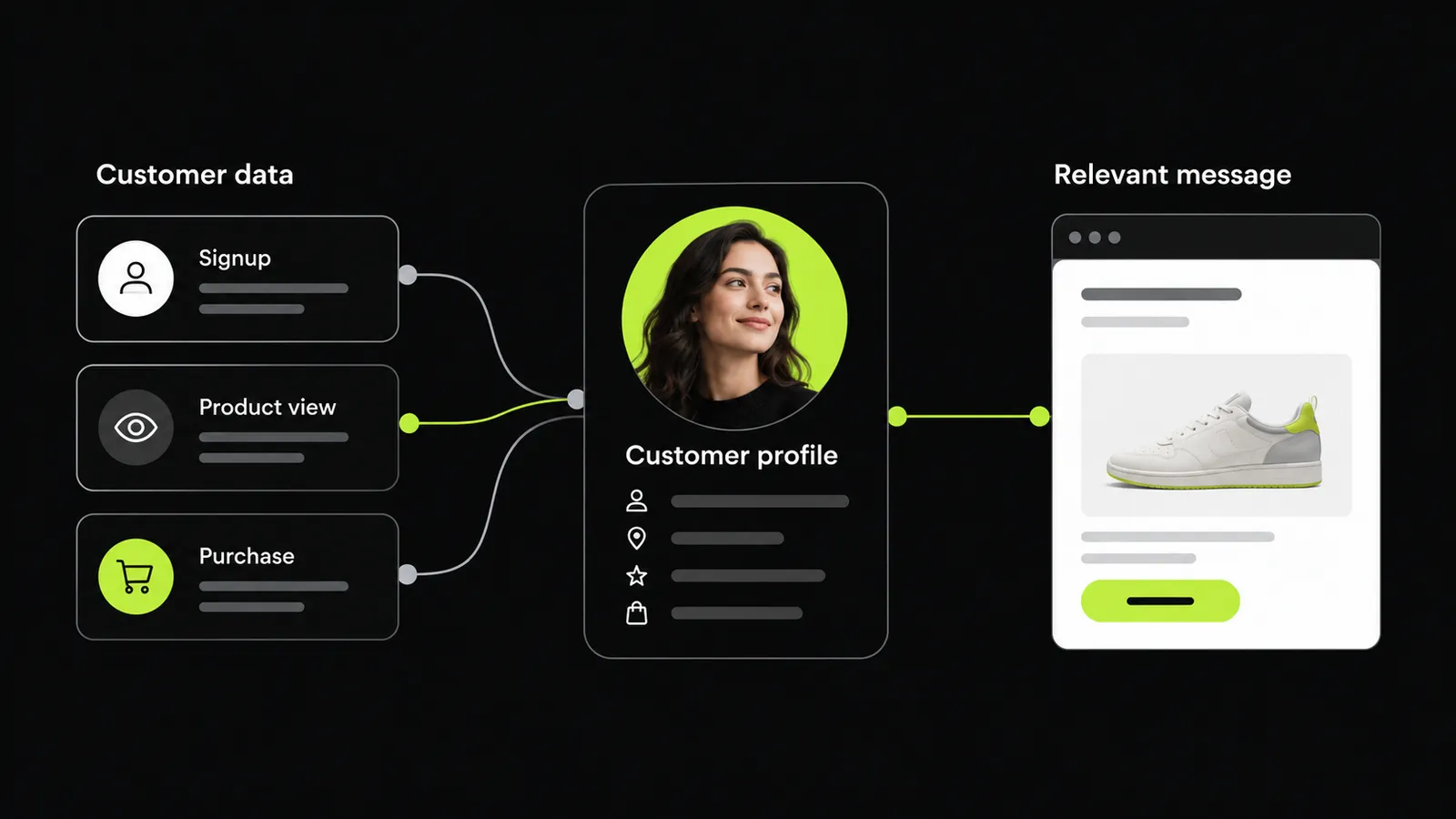
The store records events such as newsletter signups, product views and completed orders. It also keeps the communication preferences customers provide.
Before collecting an event, the team should know how it will use it. Recording a completed purchase has a clear purpose if that event stops abandoned cart messages.
2. Connect Activity to the Right Customer
The store needs to associate a customer's order with their account or email profile. Otherwise, its purchase and email systems may treat the same person as separate contacts.
A customer data platform (CDP) can support this foundation by collecting, cleaning and controlling customer information. It may work alongside communication tools in the wider engagement setup.
3. Create Useful Customer Segments
The team could separate first time buyers from returning customers. It might also group customers by the equipment they purchased.
These segments should lead to a meaningful difference in communication. Someone buying their first coffee grinder needs different information from a customer ordering replacement parts.
4. Set Triggers and Follow Up Rules
A completed grinder purchase could trigger a care guide. A later message could explain how to clean the burrs.
The team should also define when a workflow ends. A customer who returns the grinder should stop receiving messages that assume they still own it.
5. Review What Happened
The store can compare message engagement with useful outcomes. Did customers read the guide? Did they visit the care instructions? Did support questions reveal missing information?
These questions help the team improve the journey instead of adding more messages without a clear reason.
Why Do Businesses Use Customer Engagement Platforms?
Disconnected communication can create awkward customer experiences. A buyer receives a reminder for an item they already purchased. An active subscriber gets a message asking them to return. Two departments send unrelated promotions on the same day.
A CEP can help coordinate those activities around shared customer information. Marketing focused platforms commonly bring together customer profiles, automation and communication channels to support ongoing lifecycle marketing.
The business value depends on how well that setup solves a real problem.
Make Messages More Relevant
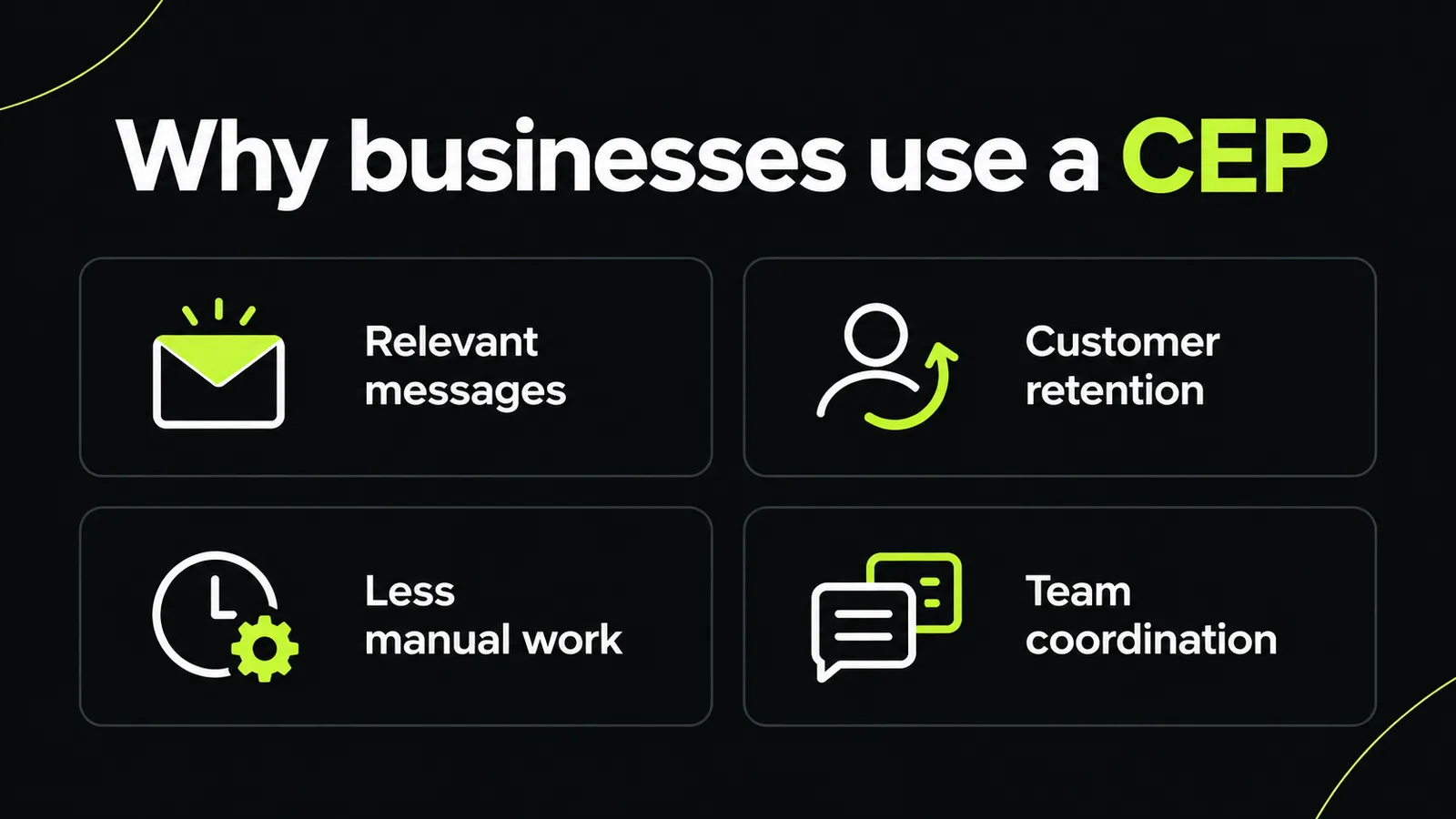
Start with the information a customer needs at that stage. For a new user, that might be account setup instructions. For a recent buyer, it could be product care guidance.
Personalized customer engagement should make a message more useful. Adding a first name alone does little if the subject and timing are wrong.
Support Customer Retention
A retention journey should address a reason someone might stop buying or using a service. Perhaps they never completed setup or could not find a feature.
Use that problem to shape the follow up. A helpful explanation may suit the situation better than an immediate discount.
Reduce Repeated Manual Work
List exports, contact updates and repeated campaign setup can consume time. A sensible automation plan identifies which of those tasks follow clear rules.
Keep exceptions visible. Your team still needs a way to pause a workflow when customer circumstances change.
Coordinate Communication Across Teams
Decide who owns each customer journey. Marketing, sales and customer support should understand when their messages might overlap.
Shared rules are especially useful around unresolved complaints, cancellations and account changes. These situations need context before another promotional message goes out.
Key Features to Look for in a Customer Engagement Platform
A feature list only becomes useful when you connect it to a task. Before reviewing customer engagement tools, write down the journeys your team needs to run.
Use the following questions to guide your evaluation.
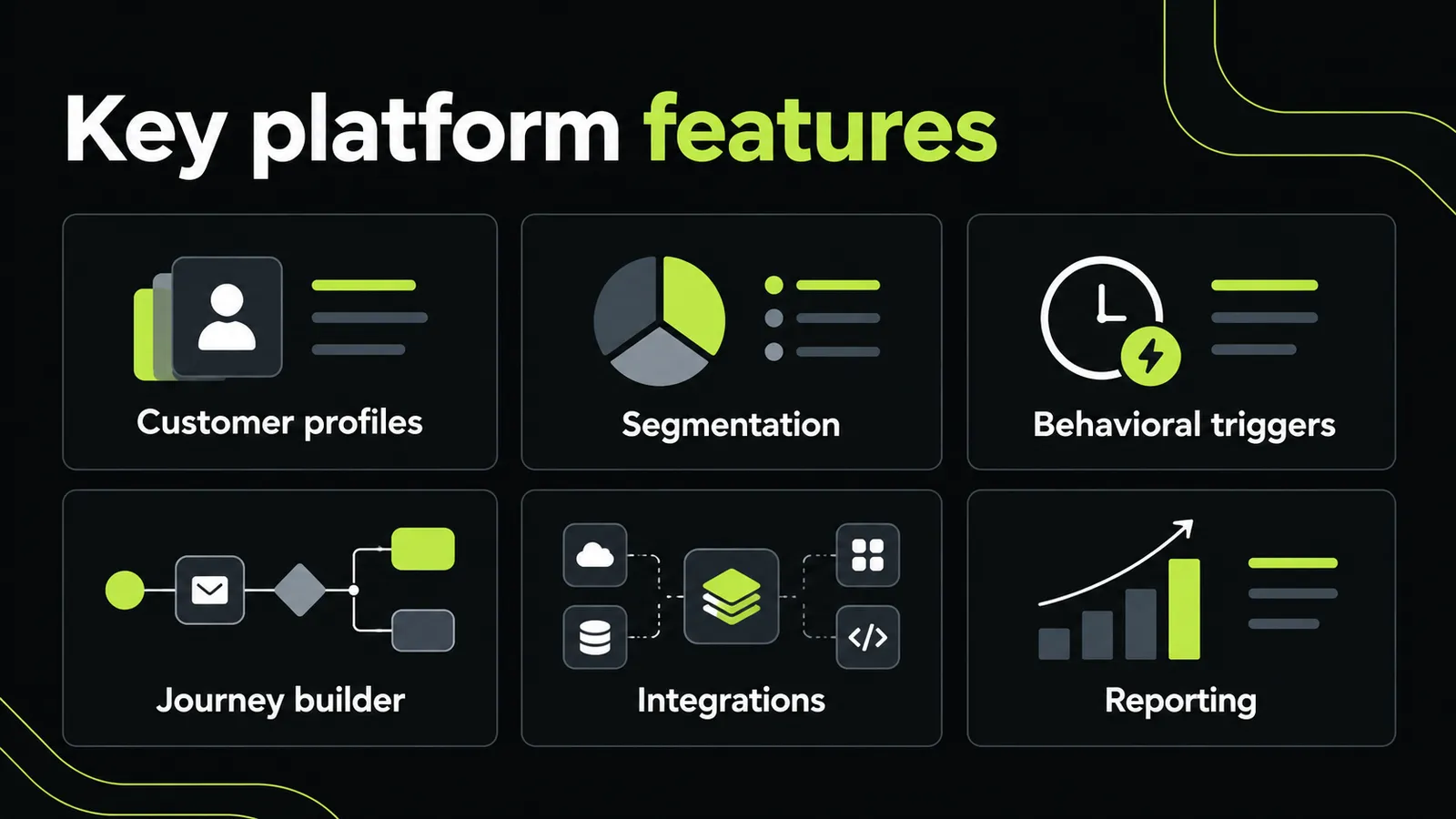
| Feature | What to Check |
|---|---|
| Customer profiles | Can the platform connect the records your journeys need? |
| Audience segmentation | Can your team build and update useful customer groups? |
| Behavioral triggers | Can a customer action start or stop a workflow? |
| Journey builder | Can you add delays, conditions and clear exit rules? |
| Channel coordination | Can messages across your chosen channels follow shared rules? |
| Personalization | Can content use accurate customer and product information? |
| Integrations | Can the platform exchange data with your existing systems? |
| Testing | Can you compare message or journey variations? |
| Reporting | Can you connect engagement with defined business outcomes? |
| Preference management | Can customers' communication choices be applied consistently? |
Customer Data and Integrations
Ask a vendor to demonstrate your actual data flow. For example, show how a purchase moves from your store into a customer profile and stops a reminder.
Check the update delay and failure handling. “Integrated” does not explain how quickly information arrives or what happens when a connection breaks.
Omnichannel Customer Engagement
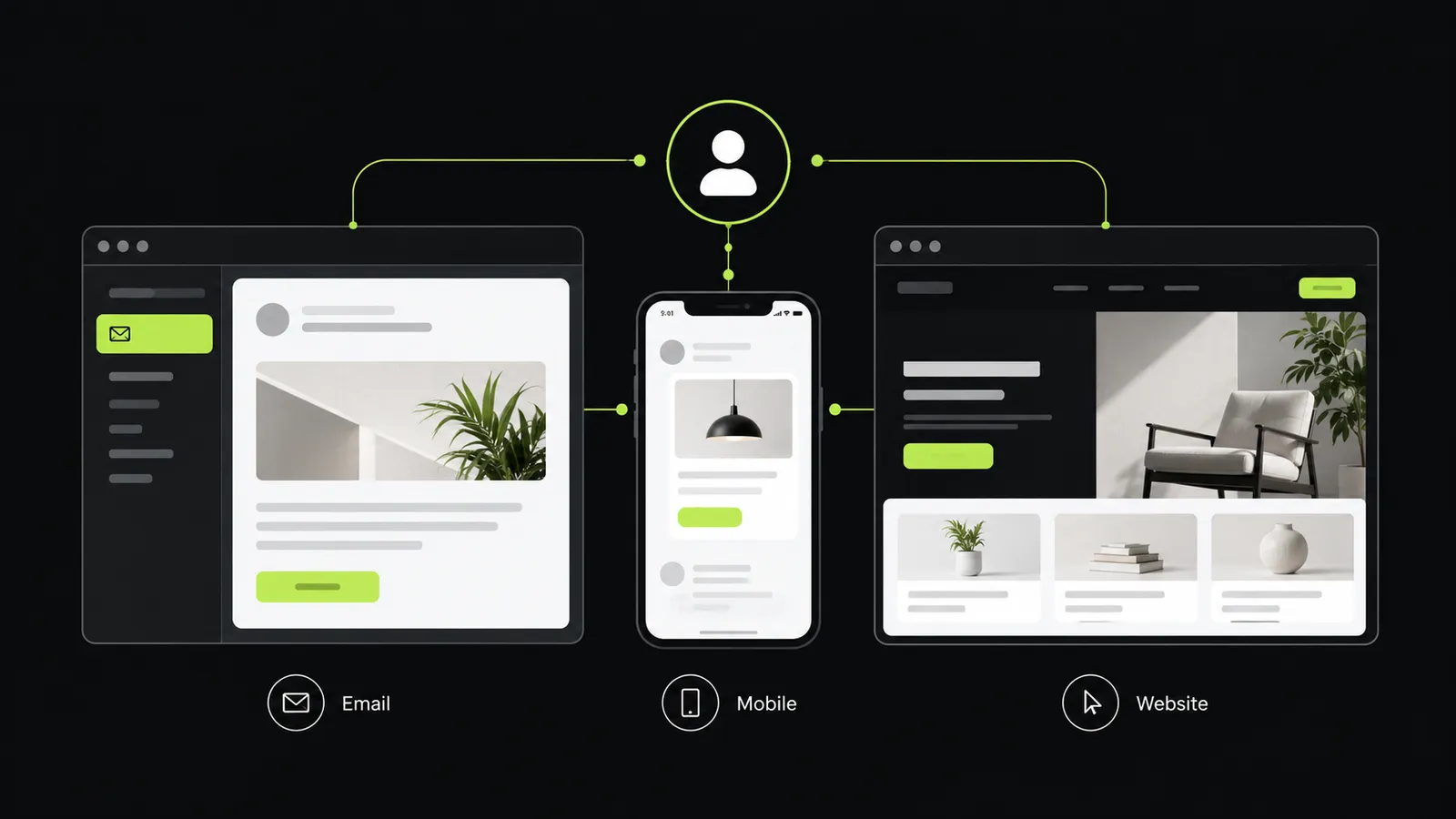
Omnichannel engagement means coordinating communication across channels as part of a connected journey. A CEP may support email, SMS, web messaging and mobile notifications from a common interface.
During evaluation, test a specific handoff. If someone completes an action after an email, does the planned mobile reminder stop?
Customer Journey Automation
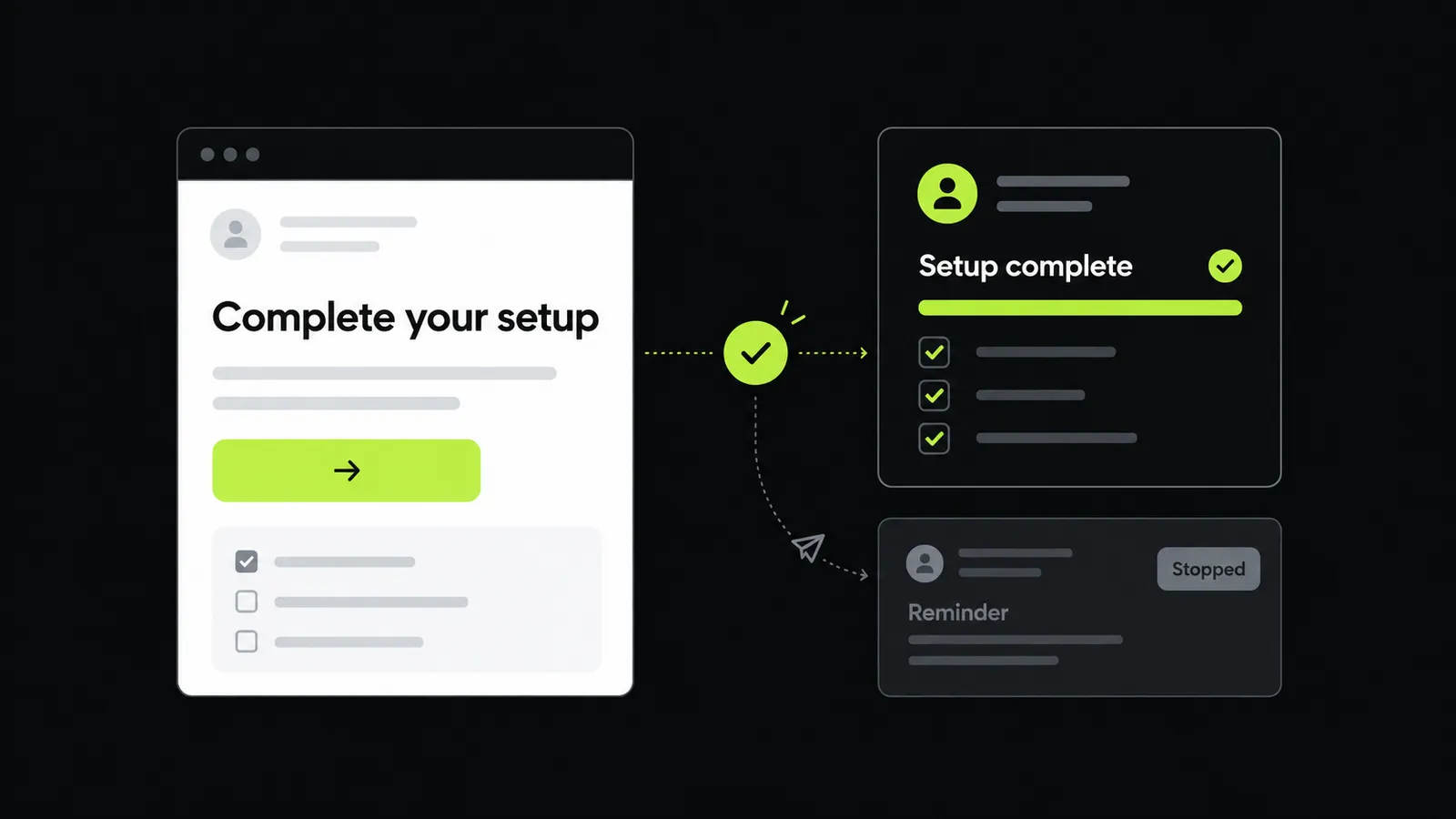
Build a small sample journey during the demonstration. Include an entry condition, a delay, a message and an exit condition.
Then test an exception. Ask what happens if the customer purchases, unsubscribes or changes their account information during the waiting period.
Analytics and Experimentation
Decide which outcome matters before looking at dashboards. A trial onboarding campaign might focus on setup completion. A replenishment campaign might focus on repeat purchases.
Ask whether the reporting can answer that question clearly. A dashboard full of message activity may still leave the business outcome unclear.
Customer Engagement Platform vs. CRM vs. CDP
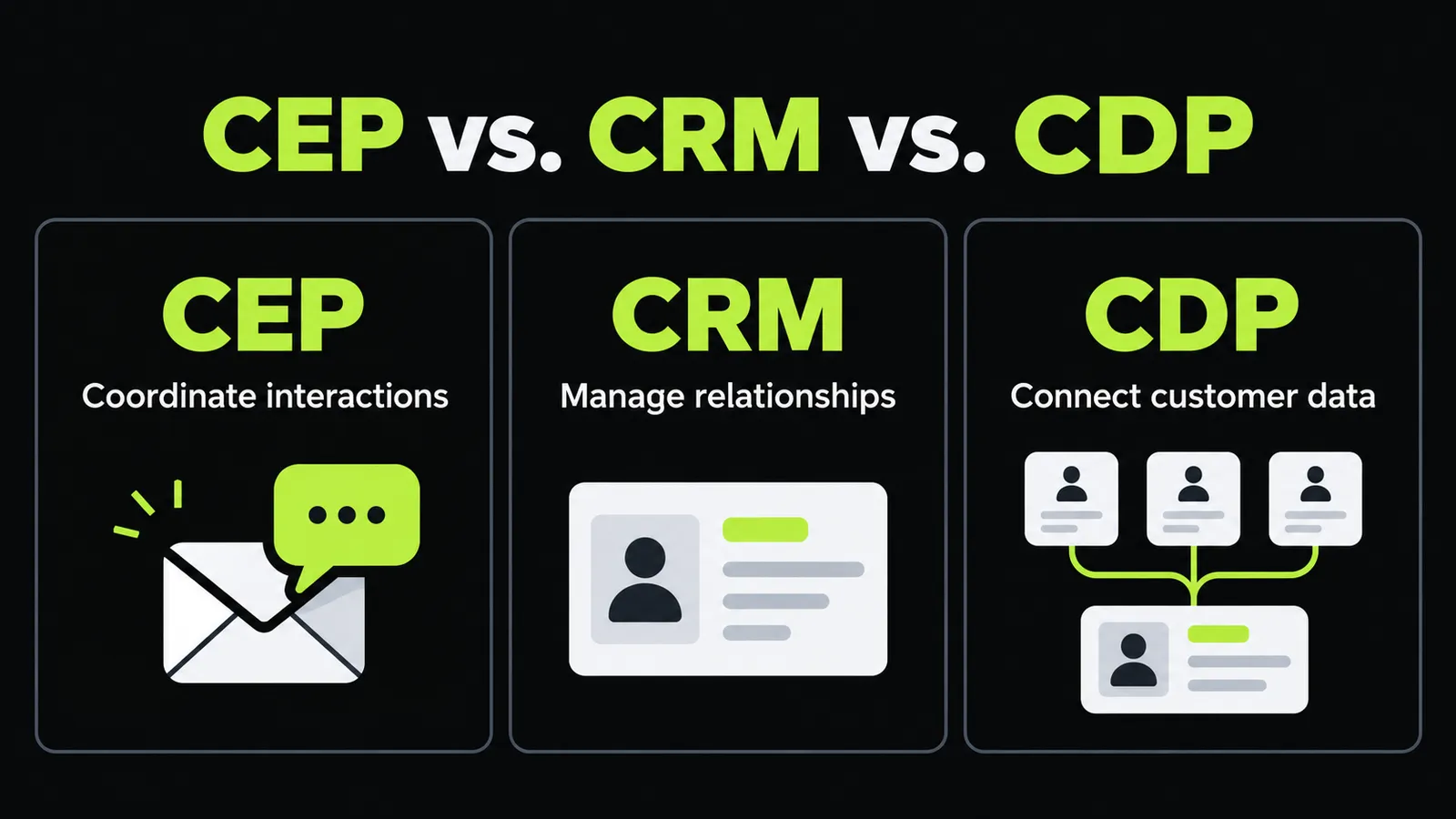
These systems can overlap, but their main responsibilities differ. A business may use more than one to support its customer engagement strategy.
| System | Main Focus | Example Task |
|---|---|---|
| Customer Engagement Platform (CEP) | Coordinate personalized interactions | Run a customer onboarding journey |
| Customer Relationship Management (CRM) | Manage contact, account and relationship records | Record a sales conversation |
| Customer Data Platform (CDP) | Collect and connect customer data | Combine activity from several sources |
| Marketing Automation Platform | Automate marketing tasks and campaigns | Send a scheduled nurture sequence |
| Customer Support Platform | Manage service requests and conversations | Track an unresolved delivery issue |
Use this comparison to identify the gap in your current setup. If customer records are fragmented, messaging alone will not fix the underlying data problem.
Likewise, a complete customer profile has limited operational value if your communication tools cannot use it when needed.
Practical Customer Engagement Platform Use Cases
The following examples are hypothetical. They show how a team could turn a customer need into a defined engagement journey.
Welcome New Subscribers
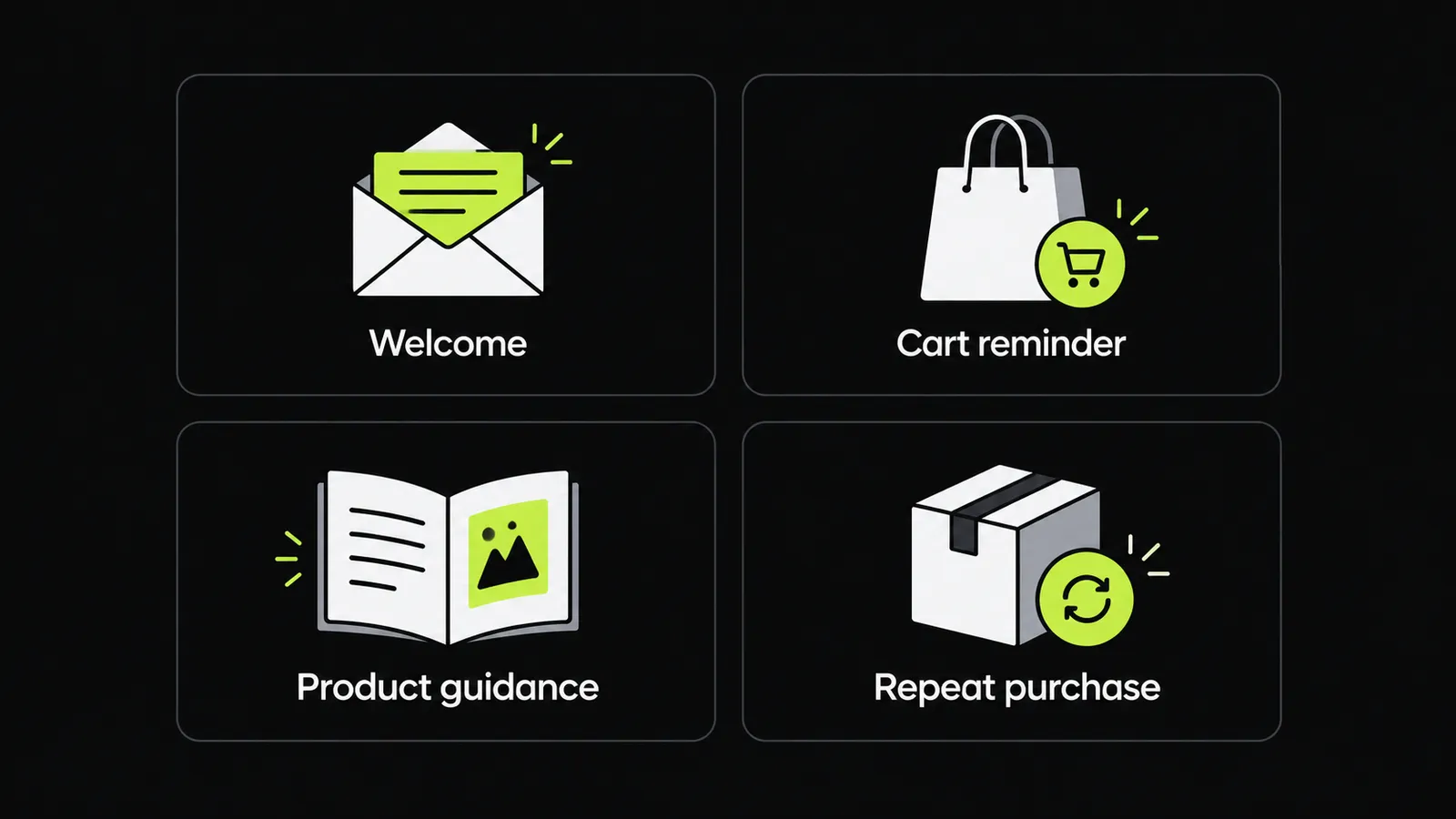
A newsletter welcome journey could introduce the business, explain the type of content subscribers will receive and offer a preference link.
Give the first message one clear purpose. Avoid packing every product category, promotion and company detail into the same email.
Help Customers Complete Onboarding
A software company could follow up when a new account has not completed an important setup step.
The message should explain that specific task. Once the user completes it, the reminder should stop and the journey can move to the next relevant action.
Follow Up on Abandoned Carts
An online store could remind an eligible customer about an unfinished purchase.
Before sending, the workflow should check whether the order has already been completed. It should also account for product availability and the customer's communication preferences.
Provide Post Purchase Guidance
A retailer selling reusable water filters could send installation instructions after delivery. A later message might explain cleaning and maintenance.
Build the sequence around ownership needs. Each message should help the customer use the product they actually purchased.
Reengage Inactive Customers
A subscription service could define inactivity using a meaningful behavior, such as no account usage during a selected period.
Test different explanations for that inactivity. A customer who never completed setup may need help getting started rather than a generic “we miss you” message.
Support Repeat Purchases
A pet supply store could test replenishment reminders for consumable products. The initial timing could use order history and a reasonable estimate of product usage.
Give customers a way to adjust the reminder. Their actual needs may differ from the business's estimate.
How AI Email Automation Fits Into Customer Engagement
Email often forms one part of a wider engagement journey. AI email automation adds AI assisted tasks to that email process.
Depending on the tool, AI may support content creation, audience decisions or other campaign tasks. Broader engagement platforms may combine predictive models, generative AI and business rules, though those capabilities differ by provider.
For an email focused starting point, you can explore AI email automation alongside your wider customer engagement requirements.
Keep the evaluation practical. Decide which task you want AI to perform and how your team will judge the output.
Draft Email Variations
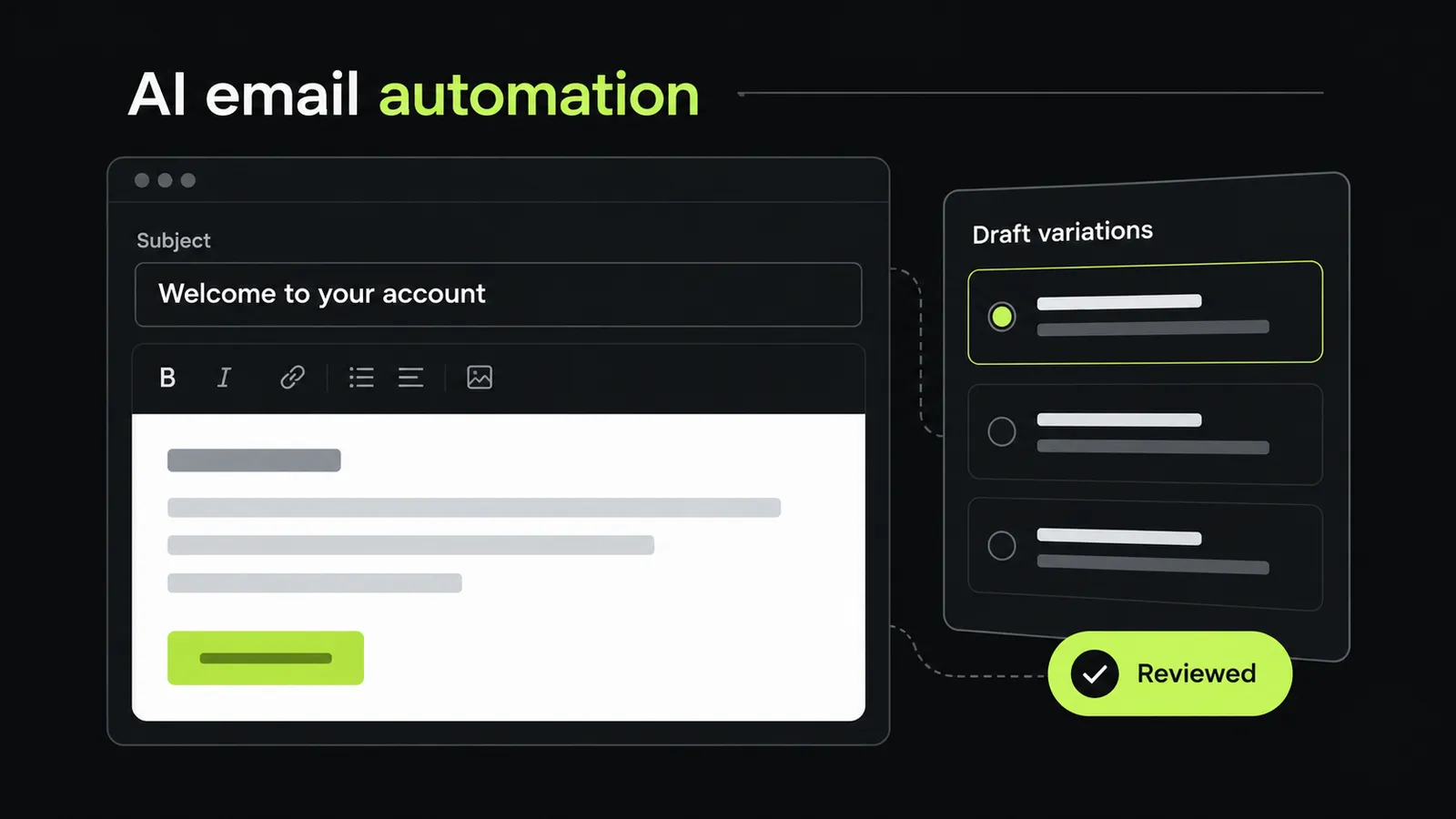
You could ask AI to produce several versions of a welcome email using an approved brief.
Review every version for factual accuracy, tone and the promised next step. A fluent draft still needs to match what your business actually offers.
Develop More Relevant Content
Give the drafting process a clear audience and purpose. An onboarding email for a first time user should address different questions from a message for an experienced customer.
Use only the customer information needed for the task. More data does not automatically produce a more helpful message.
Test a Specific Improvement
Choose one variable, such as the subject line or opening paragraph. Keep the rest of the email consistent where possible.
Decide in advance what would count as a useful result. This makes the test easier to interpret than changing several elements at once.
Keep Workflow Rules Explicit
Separate content generation from sending decisions. Your team should know who can approve a message and which conditions allow it to send.
Check purchase status, communication preferences and workflow exit rules independently of the email copy.
Which Customer Engagement Metrics Should You Track?
Choose metrics that reflect the purpose of each journey. Use the same definitions and measurement periods when comparing results.
| Metric | What It Measures | Practical Use |
|---|---|---|
| Click Through Rate (CTR) | Clicks relative to a defined message audience | Compare interest in email content |
| Conversion Rate | Desired actions relative to an eligible audience | Evaluate purchases, signups or bookings |
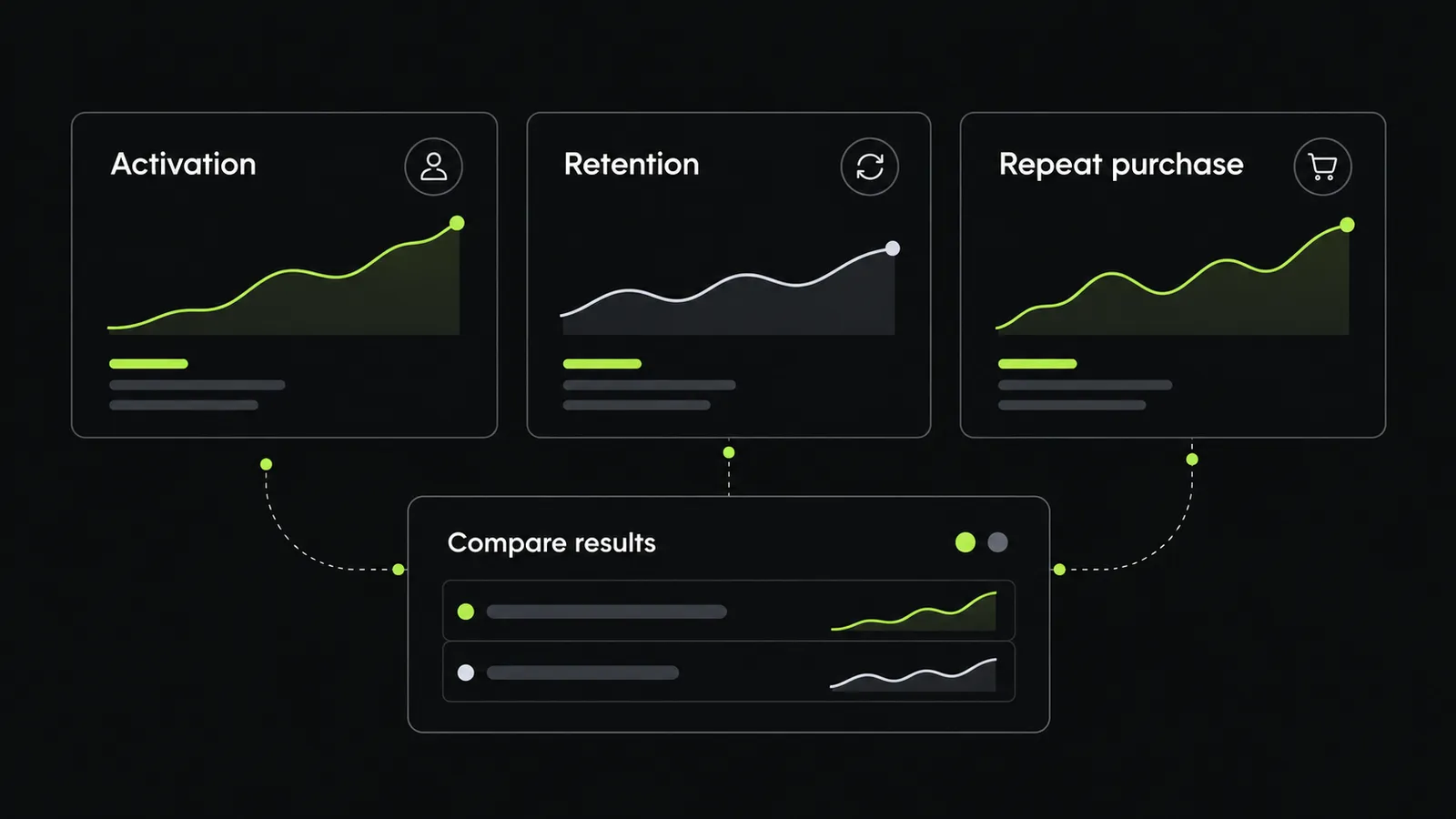
| Activation Rate | New users completing a defined setup milestone | Review onboarding performance |
| Repeat Purchase Rate | Customers buying again within a selected period | Assess repeat buying behavior |
| Customer Retention Rate | Customers retained over a defined period | Monitor continued customer relationships |
| Churn Rate | Customers or subscribers lost during a period | Identify retention problems |
| Unsubscribe Rate | Recipients choosing to stop receiving messages | Review audience fit and message frequency |
| Customer Lifetime Value (CLV) | Estimated customer value across the relationship | Inform longer term planning |
Document the denominator for every rate. “Conversion rate” can mean different things if one report uses delivered emails and another uses website sessions.
Also distinguish attributed results from incremental results. A purchase credited to a campaign does not by itself show that the campaign caused the purchase. Where practical, use a comparison group to test the difference.
How to Choose a Customer Engagement Platform
Begin with your business problem and work toward the technology. A broader platform is only useful if your team can apply its capabilities.
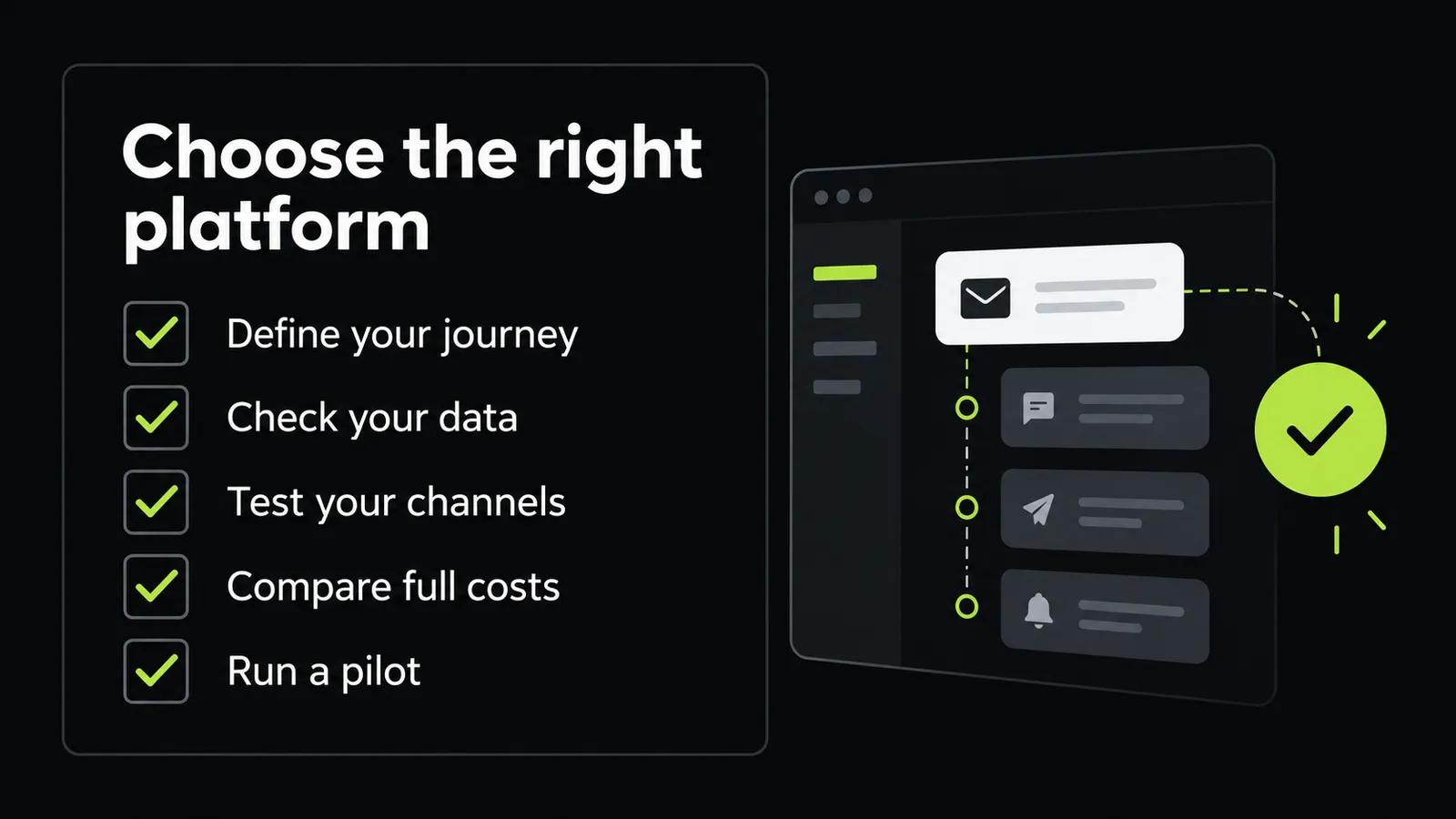
Define One Priority Journey
Choose a specific problem such as incomplete onboarding, disconnected follow ups or weak repeat purchasing.
Describe the current process and the behavior you want to support. This gives vendors a concrete scenario to demonstrate.
Map the Required Data
List the customer details and events that journey needs. Identify where each one currently lives.
For a cart reminder, that might include contact details, cart contents, purchase status and communication preferences. Missing data should become part of the implementation plan.
Test Your Required Channels
Prioritize the channels your customers use and your team can maintain.
Ask vendors to demonstrate coordination between those channels. A long channel list offers little help if each one operates separately.
Check Everyday Usability
Have the people who will run campaigns build a sample workflow. Include editing a message, changing a condition and reading the results.
Record where they need technical help. That will inform training needs and the ongoing workload.
Compare the Full Cost
Request a cost breakdown using your expected contact count, message volume and data needs.
Include implementation, integrations, training and ongoing support in your comparison. Ask what changes would move your account into a different pricing tier.
Run a Limited Pilot
Launch one journey with a manageable audience. Verify data accuracy, delivery rules and reporting before expanding.
Use the pilot to answer a business question. For example, does a task specific onboarding sequence help more new users complete setup?
Common Customer Engagement Mistakes to Avoid
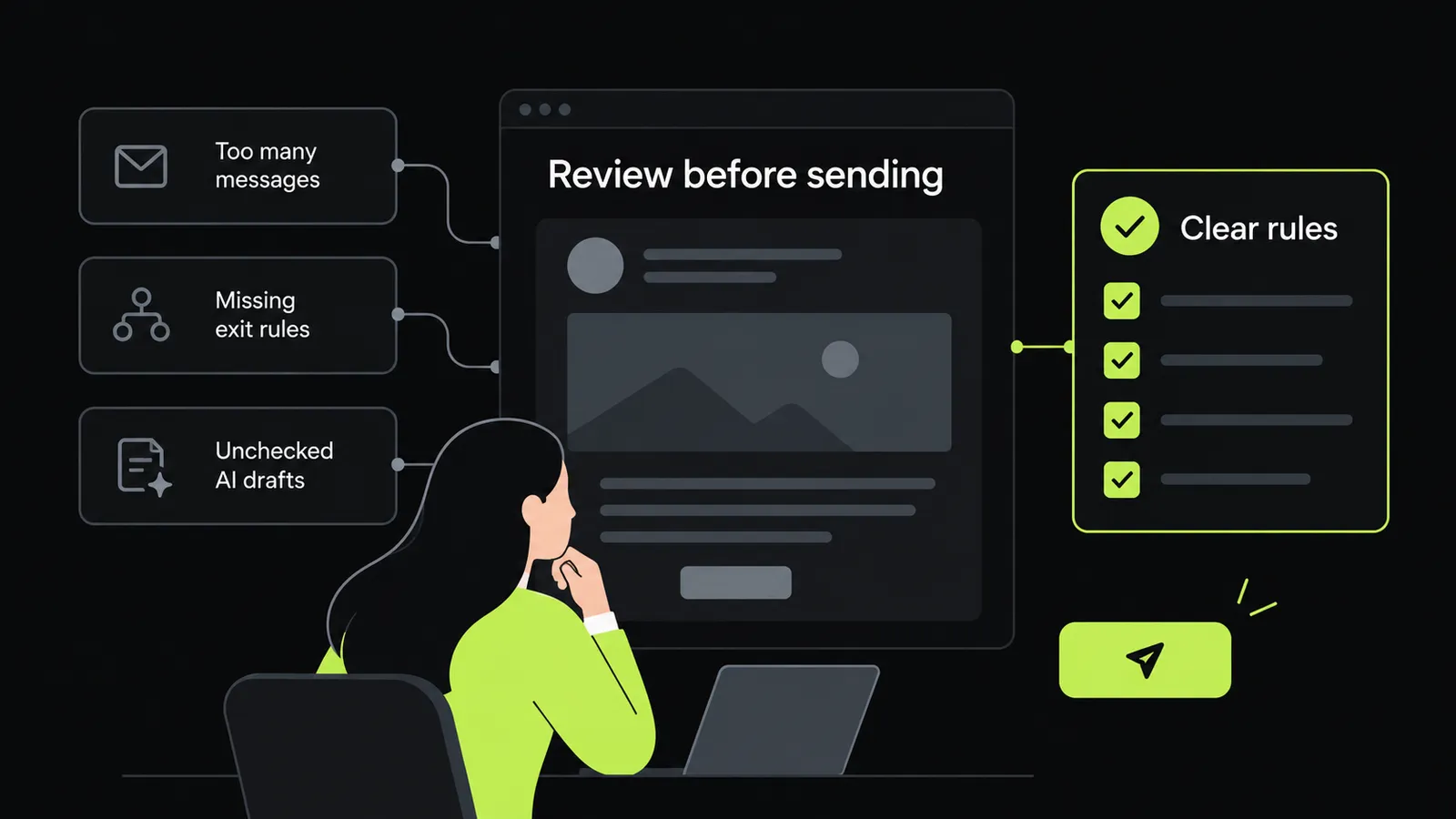
- Automating an unclear process: Write down the journey first. If the team cannot explain who should receive a message and why, the workflow needs more work.
- Using weak exit conditions: Every journey needs a clear stopping point. Test what happens after a purchase, cancellation or completed task.
- Sending too many messages: Review the customer's total communication load across campaigns. Separate teams may each see a reasonable schedule while the customer receives too much.
- Treating every customer alike: Use segments only where they justify a useful difference in content, timing or follow up.
- Measuring activity without outcomes: Select a business measure alongside message metrics. Clicks alone may not answer whether onboarding or retention improved.
- Accepting AI drafts without review: Confirm product details, claims and links before publication. Set a clear approval process for generated content.
Build Customer Engagement Around a Clear Customer Need
A useful customer engagement strategy starts with a simple question: what does the customer need at this point?
Use the answer to define the message, required data and next action. Then choose software that can carry out that process reliably.
Whether you begin with email marketing automation or a broader customer engagement platform, start with one well defined journey. Measure what happens, fix the gaps and expand when the process works.
Frequently Asked Questions
What Is the Main Purpose of a Customer Engagement Platform?
Its main purpose is to help a business coordinate relevant customer interactions using available customer data. Marketing focused CEPs commonly support personalized journeys across several communication channels.
Do Small Businesses Need a Customer Engagement Platform?
A small business should assess the problem before buying a broader system. Map the journeys you need and check whether your current tools can support them reliably. A focused email workflow may be enough for a simpler operation.
Does a CEP Replace a CRM?
Not necessarily. A CRM may remain responsible for sales and relationship records while a CEP manages engagement workflows. The right arrangement depends on the functions and integrations available in the selected products.
What Is an Example of a Customer Engagement Platform?
Braze is one example. Its documentation describes a platform that receives customer data and supports messaging within websites and apps as well as through channels such as email and push notifications.
Can a Customer Engagement Platform Guarantee More Sales?
No. Treat it as a tool for carrying out and testing your engagement strategy. Product fit, customer needs, message quality and execution still affect the outcome. Set measurable goals and evaluate results against a suitable baseline.
Where Should a Business Start With Customer Engagement Automation?
Start with one journey that has a clear trigger and outcome. A welcome sequence or onboarding reminder is often easier to define than a large campaign covering every stage. Confirm the data and stopping rules before adding complexity.
Ready to put AI to work on your emails?
Talk to AI Email Automation about your campaigns.